Start here
Along with your reels, we set you up with templates, how-to videos and a few ready-to-build reels, so you can keep creating long after launch.
Your first hour
- Watch the three tutorial videos in the Reels section, in order. They are short. Slow them down and pause while you follow along.
- Open Instagram, go to Saved, and find your seven templates.
- Build reel C1 from its template, then add versions B and C.
- Copy the C1 caption from this page, post, and tick it off.
- Look over the three carousels and tell Leslie they are approved, so she can post and pin them.
- Comment the keyword on your own post from a second account to see the DM come through.
Your Drive folders
Your account
The profile is set. This is what is on it, and how the keyword DMs work, so you can keep it matched.
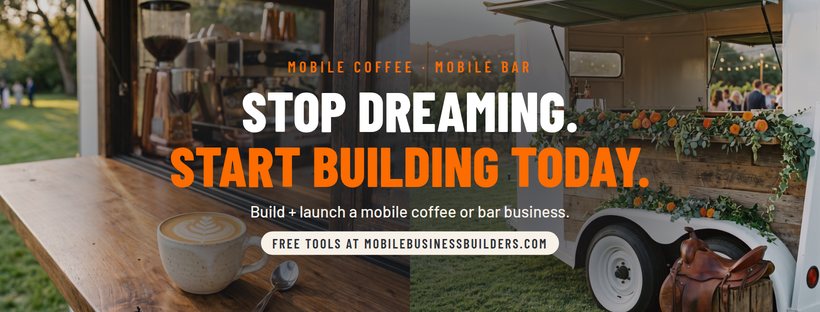
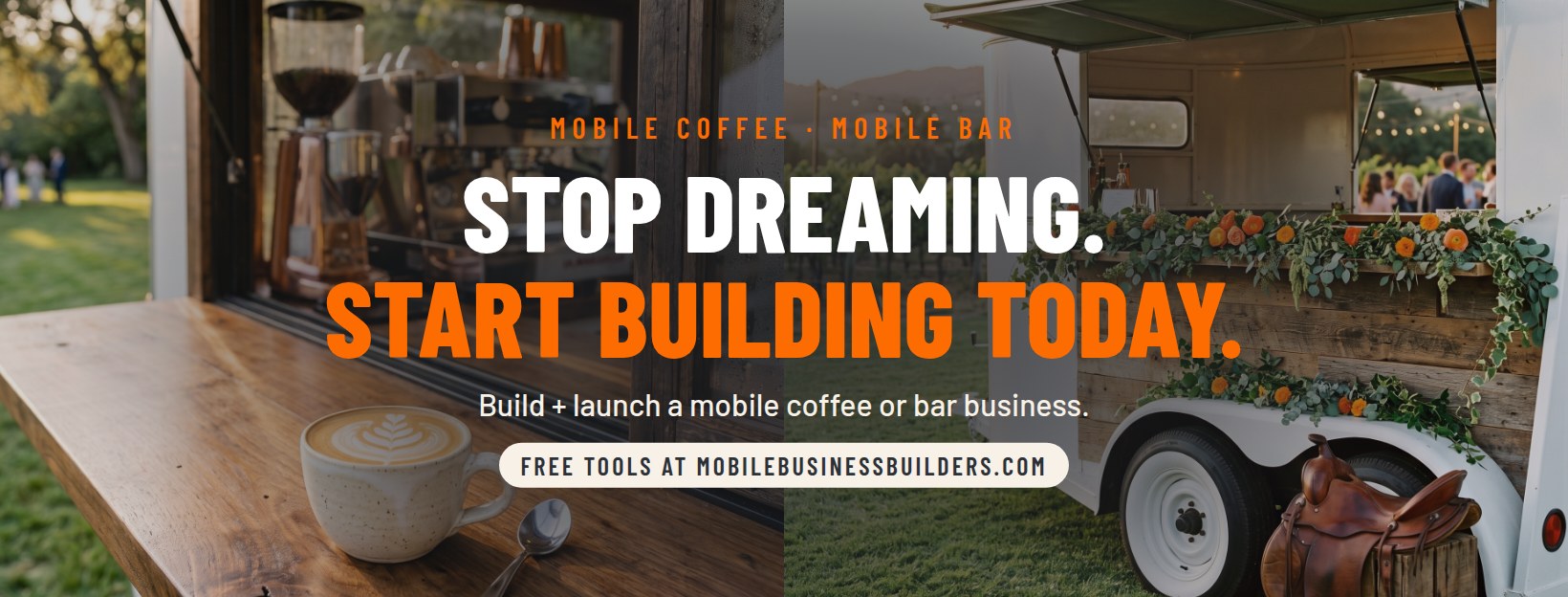
Cover photo and profile picture, sized for Facebook. Same monogram as Instagram so both pages match.
Stop dreaming. Start building today. Courses + free tools for a mobile coffee or bar business.
Website: www.mobilebusinessbuilders.com · Category: Education Website
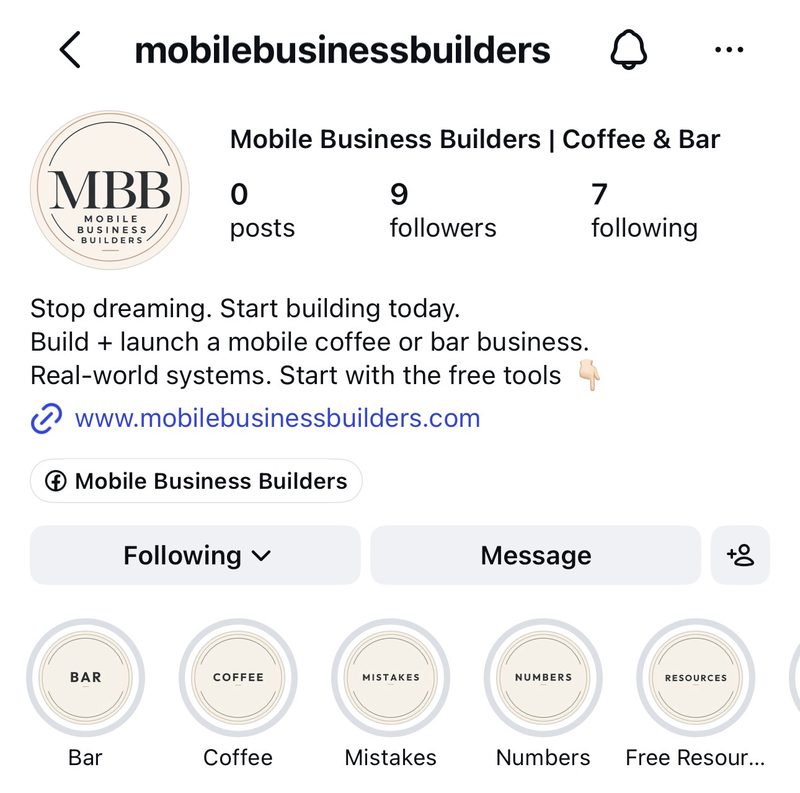
Bar · Coffee · Mistakes · Numbers · Free Resources, plus the rest when you swipe across.
Each highlight already has a story in it. We made one story for every highlight cover, so new visitors can tap the topic they care about and land in the right place.
Add to them anytime: post a story, tap Highlight at the bottom, and pick the cover that matches the topic.
Stop dreaming. Start building today.
Build + launch a mobile coffee or bar business.
Real-world systems. Start with the free tools 👇
Name: Mobile Business Builders | Coffee & Bar
Link: www.mobilebusinessbuilders.com
Facebook page linked on the profile.
The three most asked questions. Leslie posts and pins them as soon as you approve them. To swap one later: open the post, tap the three dots, tap Pin to your profile. Instagram allows three.
Keywords and ManyChat
Seven keywords, one per highlight. Every caption on this page already uses them, so keep them as they are. When someone comments a keyword, ManyChat sends the DM below with the link.
| Keyword | What it sends | Link |
|---|
How each ManyChat flow is built
- Trigger: just the keyword, like BAR. In ManyChat, pick the comment trigger for posts and reels, and when it asks how to match, choose the option for comments that contain the word. Then add the same keyword to the Story reply trigger, so it also works when someone replies BAR to a Story.
- First message: the DM text below, with its link, plus one Quick Reply button: Email me more 📩.
- When they tap it: an Ask for email step saved to the Email field. Prompt: "What is the best email to reach you?" Then: "Thank you. We will be in touch." Add the tag email-opt-in.
- Follow-up email: built in ManyChat, triggered by the email-opt-in tag.
- Public comment reply: "Sent it to your DMs."
Keywords can match inside longer words (READY in "already", BAR in "barista"). A stray match only sends a free link. Keep an eye on it the first few weeks.
Reels
Reels get you pushed out to new people. Each reel has three versions with different hooks, so Instagram can find the one that lands.
Watch these first
How every reel works
Reuse them, over and over. With a small following right now, most people have not seen these reels yet. Post them again in a few weeks, swap in another version's hook, and keep going as you grow. Every new follower is seeing them for the first time.
Carousels
Carousels are for warm leads: people who already found you and want the details. These three answer the questions people ask most, so they come first. Leslie posts all three and pins them to the top of your profile as soon as you approve them. Once your reels bring in traction, add more with either option below.
Making more
Build them in Edits, the way these were made
Every pinned carousel uses one photo on every slide and changes only the words. Swipe through any of them above to see it.
- Pick one photo for the whole carousel. A trailer or a drink, with open space for words. Use the coffee or bar images in your Drive.
- Open the carousel editor in Edits (watch Leslie's walkthrough below) and add that same photo to every slide.
- Headline: one short sentence in bold, white or black, placed where the photo is calm.
- Detail line: under it, in orange, with a white outline or a white box behind it so it pops.
- One idea per slide. Slide 1 asks the question. The middle slides answer it one point at a time.
- Last slide: the keyword, like "Comment NUMBERS."
- Post: export, then on Instagram tap New post, Select multiple, pick the slides in order and paste the caption.
Have Claude make them
With the carousel skill installed, attach a photo and ask for a carousel on any topic. No skill yet? Save two or three of the pinned slides above, attach them, then paste this:
Make an Instagram carousel for Mobile Business Builders about [TOPIC]. Match the attached slides.

Slides: 7 to 9, 4:5 (1080 x 1350). Slide 1 is the hook. One thought per slide: a headline under 8 words and a sub line under three lines. The last slide ends on one comment keyword: START, RESOURCES, NUMBERS, READY, COFFEE, BAR or PLAN.

Look: one photo behind every slide, the same photo on all of them. Headline in a bold condensed font, white or black. The detail line in orange #FC6C00 with a white outline or a white box behind it. Nothing else on the slide.

Facts: numbers only from mobilebusinessbuilders.com.

Caption: hook line, a setup line, numbered points with short lines, the keyword line, a disclaimer only for alcohol, insurance, legal or income topics, and 5 hashtags including #mobilebusinessbuilders. Use a different number and arrow style from my last post. No em dashes.

Give me the slides as images I can download, then the caption.
Writing new content
Your three Claude skills write new reel hooks, captions and carousels in the MBB voice. Install them once, then just ask. The rules they follow are below, so you can check anything before it posts.
Reel hooks
Writes reel hooks, the on-screen text for versions A, B and C, caption openers and the keyword, and scores each hook.
Captions
Writes captions for reels, carousels and course posts in the approved shape, with the right keyword, disclaimer and a fresh marker style.
Carousels
Writes the slides and caption in the style of your three pinned carousels, and makes the slide images from a photo you attach.
Install them once
- Download all three files above. Leave them zipped.
- In Claude, open Settings and find Skills. In the desktop app it can sit under Customize, and on some accounts it is inside Capabilities. Skills need a paid Claude plan with code execution turned on.
- Choose Upload skill and pick one zip. Repeat for the other two.
- Check that all three are switched on.
Then just ask
Write a new MBB reel about [topic]: the hook, second line and call to action for versions A, B and C.
Write the MBB caption for this reel. Hook: [paste the hook]. Keyword: [WORD]. My last post used [1️⃣ →], so pick a different marker set.
Make an MBB carousel about [topic]. Here is the photo. Give me the slides as images and the caption.
Claude picks the right skill on its own. Read what it writes against the rules below before anything posts.
Reel text, three layers
- Hook: their biggest question, 7 words or fewer.
- Second line: what they are missing, 6 words or fewer.
- Call to action: Save This, Check Caption, Comment KEYWORD, or Send To A Friend.
Fonts we have been using: Classic Medium (outlined), Deco or Modern Light (inverted background), Poster, Bubble or Squeeze (inverted outline).
Caption shape
- Hook line with one emoji.
- A setup line ending in 👇.
- Three to five numbered points, one or two short lines each.
- A save or send line.
- The keyword line.
- A disclaimer only for alcohol, insurance, legal or income topics.
- Five hashtags, always #mobilebusinessbuilders.
Mix up the markers
Every caption gets its own number and arrow style so the feed never looks repeated. Never use the same set twice in a row.
| Numbers | 1️⃣ 2️⃣ 3️⃣ · ① ② ③ · ➊ ➋ ➌ · 01 / 02 / · ❌ for mistakes · ❓ for questions · 📌 · 🔹 · 🔸 · ✔️ |
|---|---|
| Arrows | → · ↳ · › · ▸ · ▹ · ➝ · ✦ · • · 👉 · - |
| Closers | 👇 📋 📊 🧮 💬 ☕ 🍸 |
House words
- No em dashes.
- Say "the math" or "the numbers".
- "We", the brand voice.
- Numbers come from mobilebusinessbuilders.com only.
- No trailer builds, wraps or design services. They are not on the site.
Hashtag pool
Pick five, always including #mobilebusinessbuilders.
#mobilebusiness · #mobilecoffeeshop · #coffeetrailer · #coffeecart · #mobilebar · #mobilebarbusiness · #weddingbar · #foodtruckbusiness · #smallbusinessstartup · #startabusiness
Checklists
Before a reel posts
- Under 9 seconds. Seven is ideal.
- Something moving in the first second, ending on the payoff.
- Hook asks their biggest question in 7 words or fewer.
- Second line says what they are missing.
- Call to action tells them what to do.
- Soft trending audio, text timed to it.
- Caption delivers what the call to action promised, keyword included.
- Versions made with Add a version, words changed on all three layers.
Before a carousel posts
- One photo on every slide. Headline bold, detail line in orange.
- One thought per slide, sub line under three lines.
- Words easy to read on the photo. No close-up faces, no other brands.
- Last slide ends on the keyword. The caption ends on the same one.
- Five hashtags.
- Numbers match the website.
Before a keyword goes live
- Trigger set to the exact keyword the caption uses.
- Same keyword set as a Story reply trigger.
- DM has its link and the Email me more 📩 button.
- Tested from a second account: comment, DM, button, email step.
Questions
Stuck on something? Send Leslie a message anytime. Screenshots help.